

Bublup currently supports: English, Spanish, Portuguese, and Korean.
Setting Default Language on Device
If the preferred language on your desktop browser or mobile device is set to one of our supported languages, Bublup will automatically default to that language.
On iOS, you can set your device’s preferred language by going to “Settings” -> “General” -> “Language & Region”. On Android, go to “Settings” -> “General Management” -> “Language”.
On desktop, you can set your Chrome browser’s preferred language by going to “Settings” -> “Languages”, then adding a new language and moving it to the top of your list. Other supported browsers that have similar settings are Safari, Edge and Firefox.
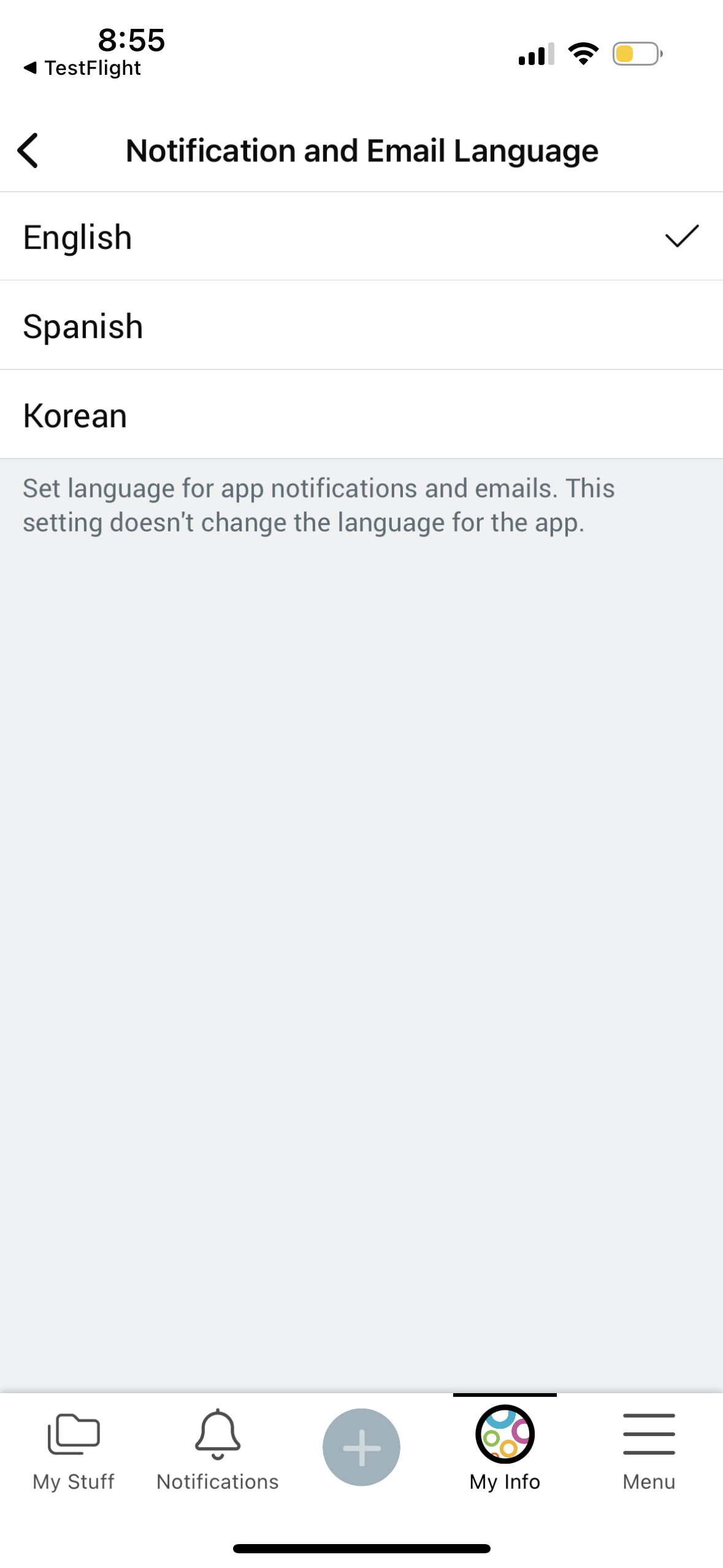
Setting Notification and Email Language
To ensure your notifications and emails match your device’s preferred language, set your language preference in My Info.
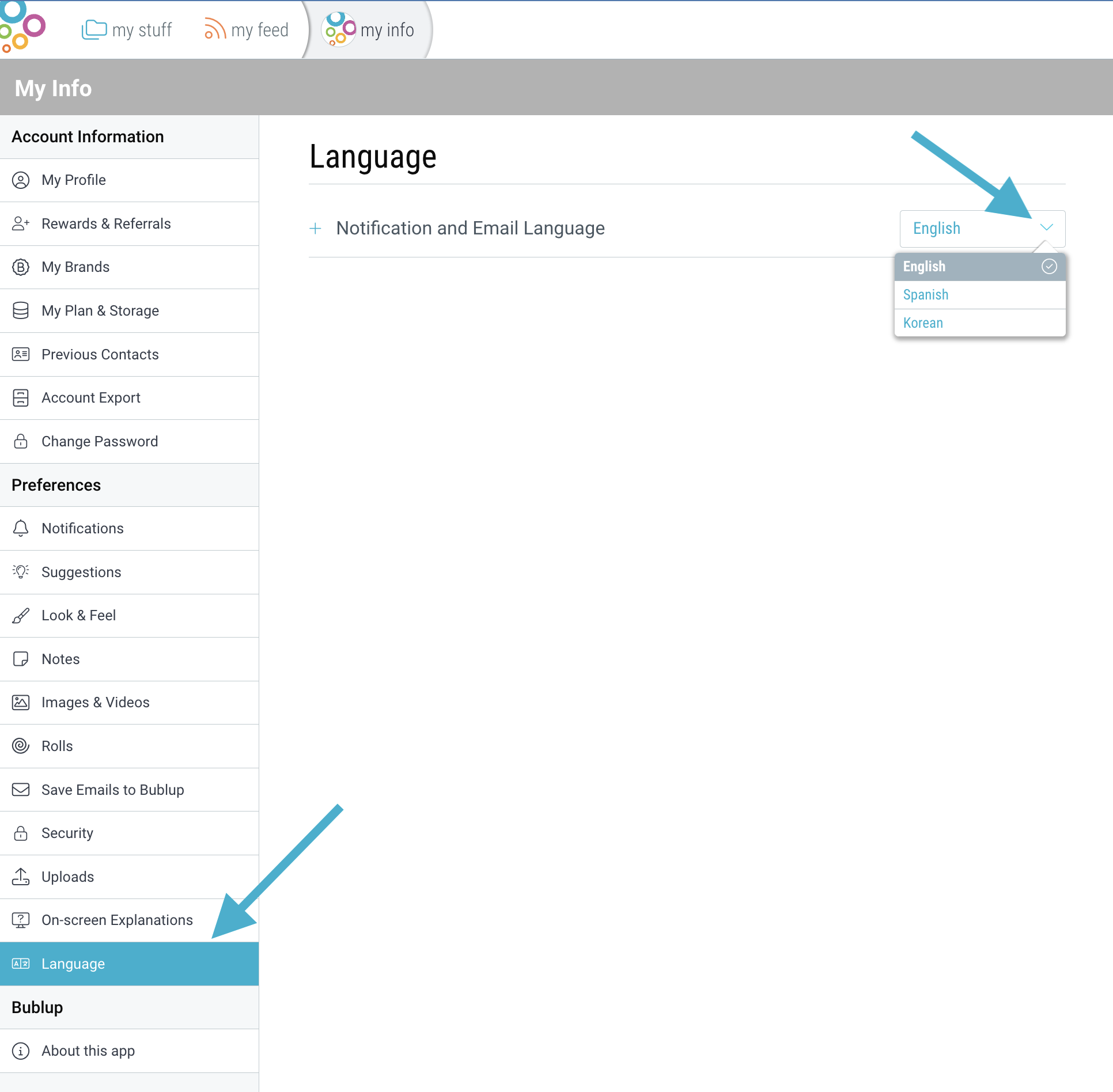
On desktop, click on My Info at the top, then go to “Preferences” and select “Language”. Click on the drop down to reveal a list of language choices.
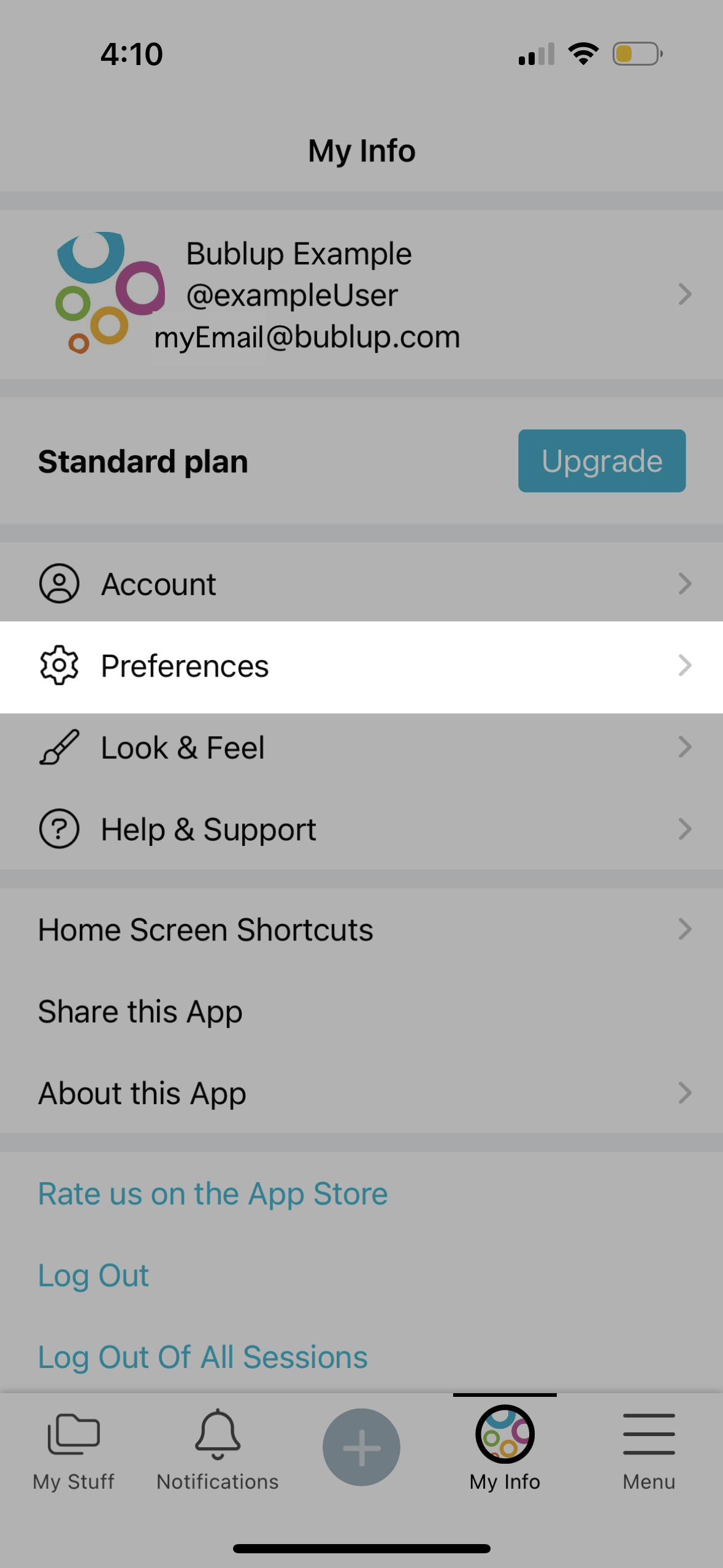
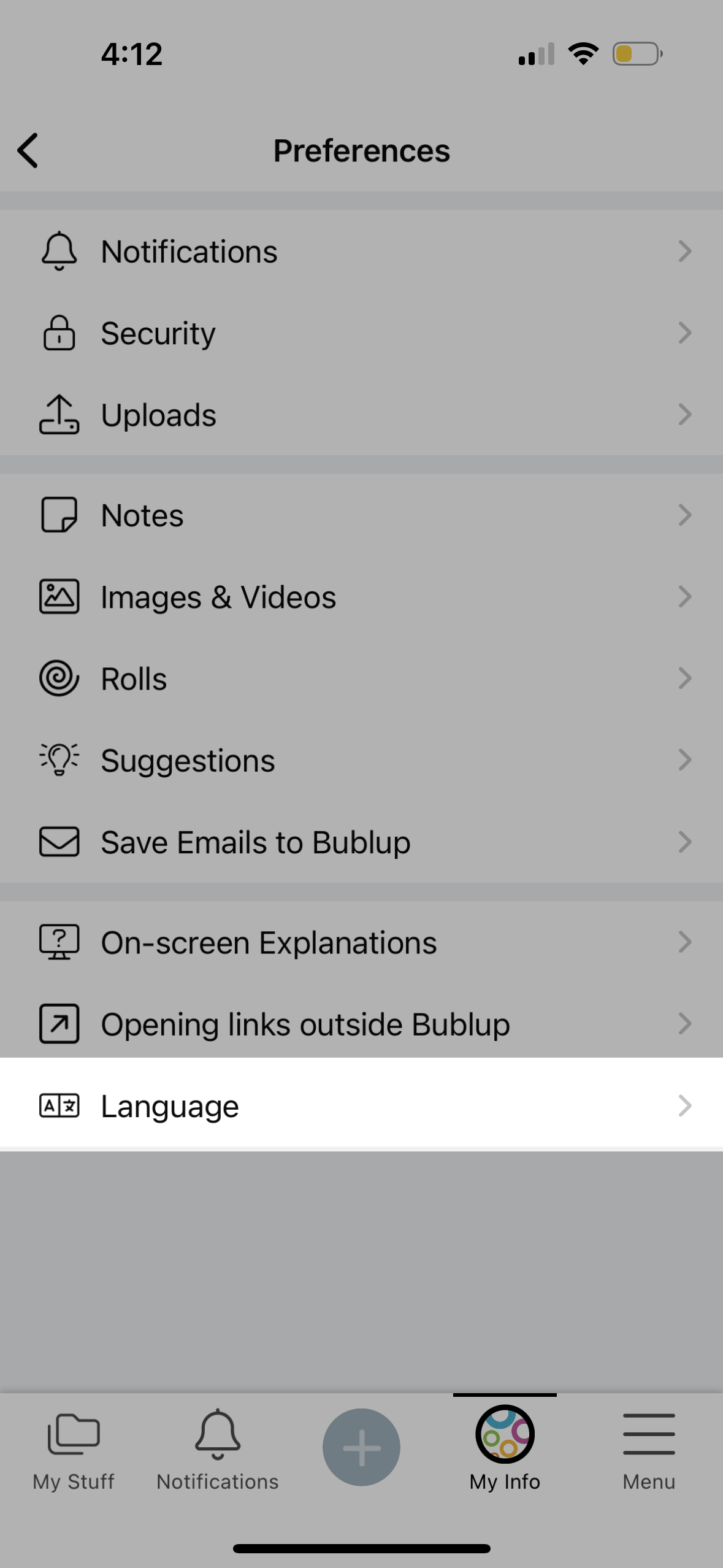
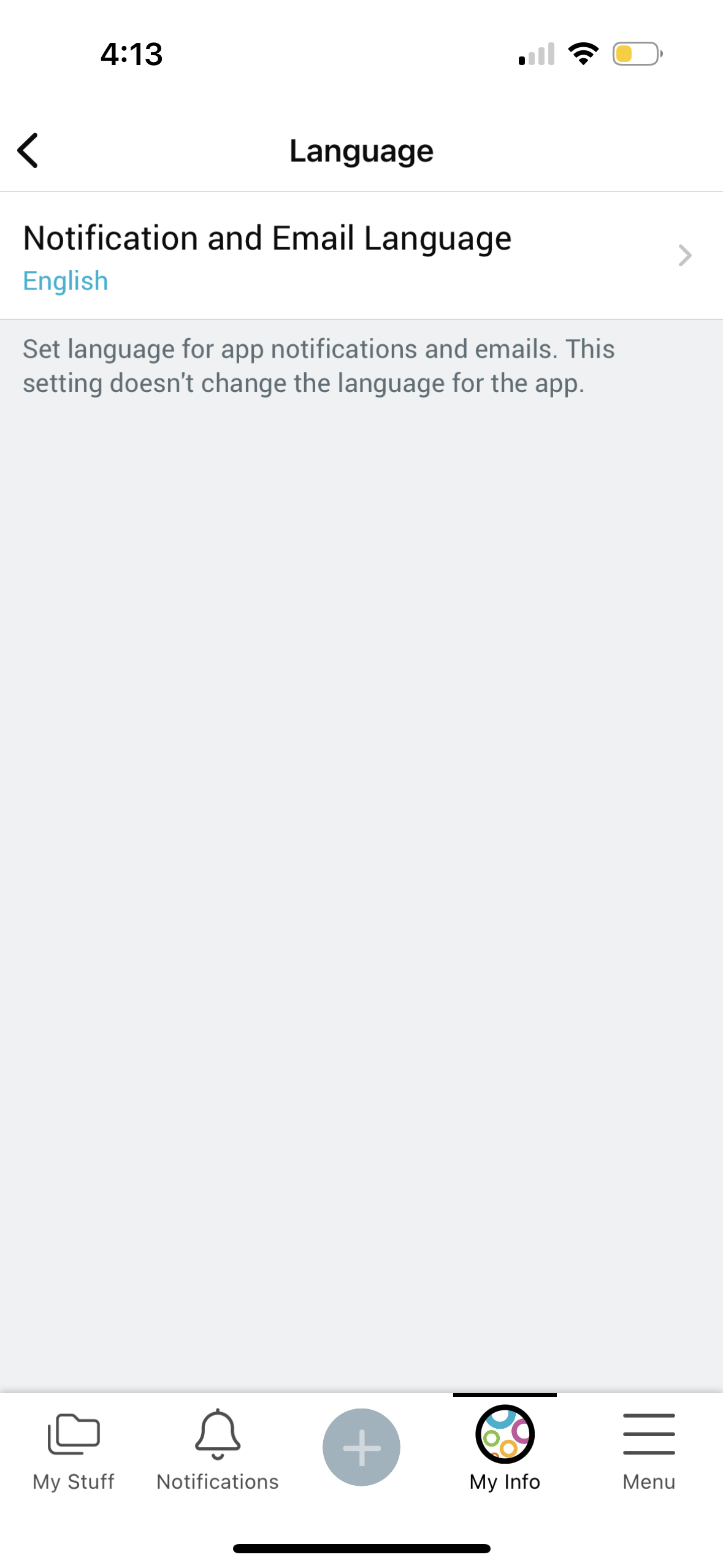
On mobile, tap on ☰menu -> “My Info & Settings”. Then go to “Preferences” -> “Language” -> “Notification and Email Language” and select your preferred language.
If you see any translation errors, feel free to report them by emailing support@bublup.com.