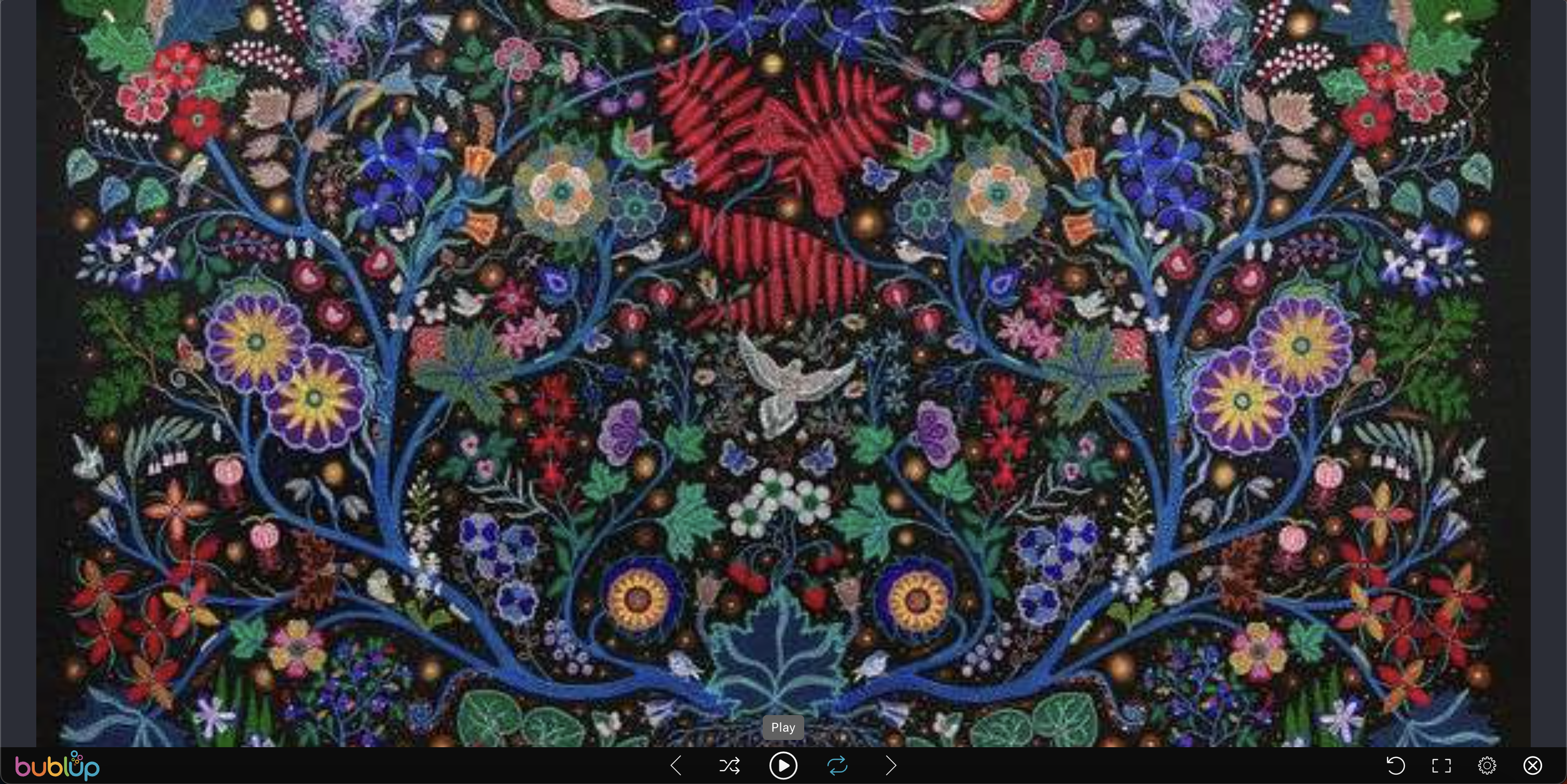

To add a slideshow to your roll
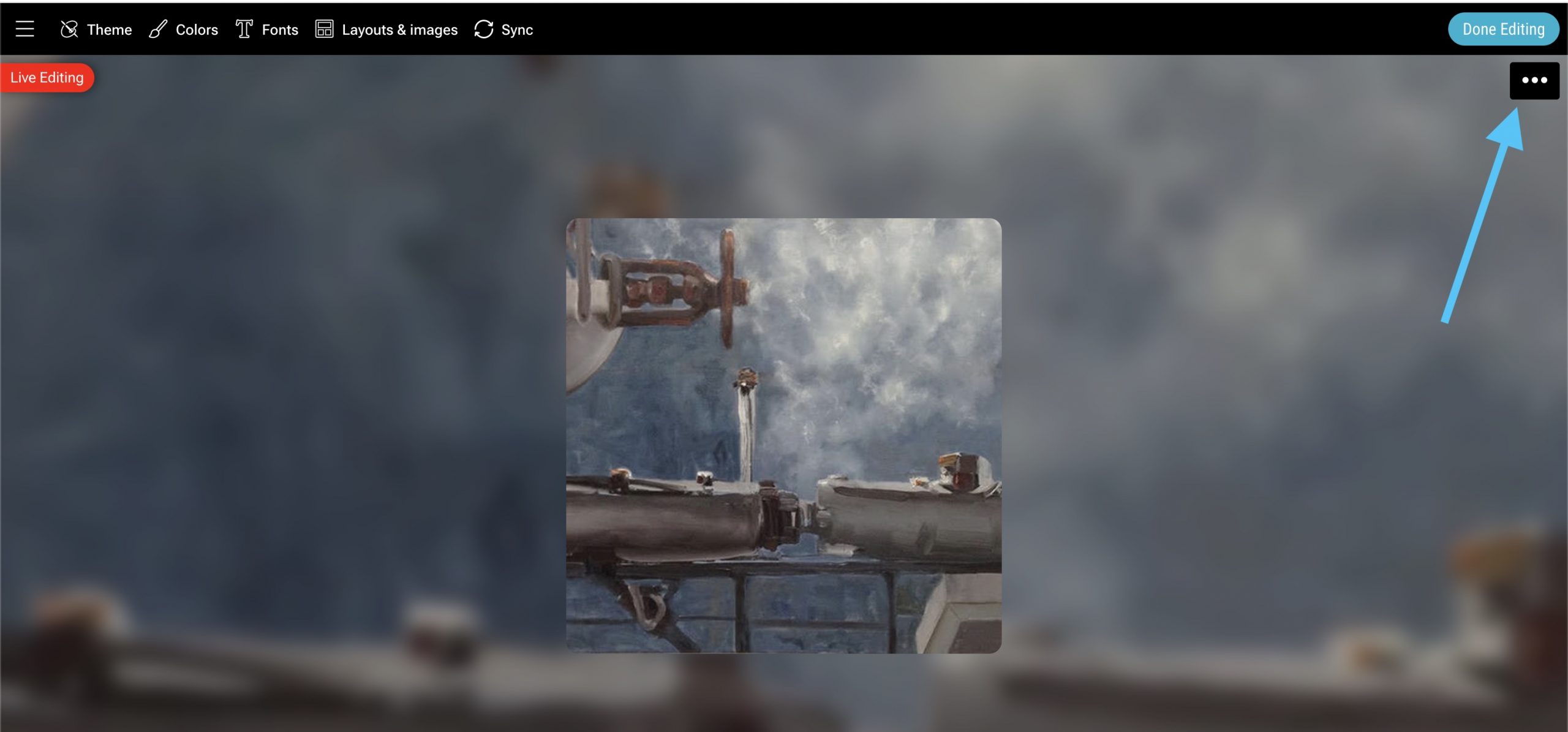
1. Enter edit mode.

2. Select the roll’s 3-dot (…) menu in the upper-right corner.
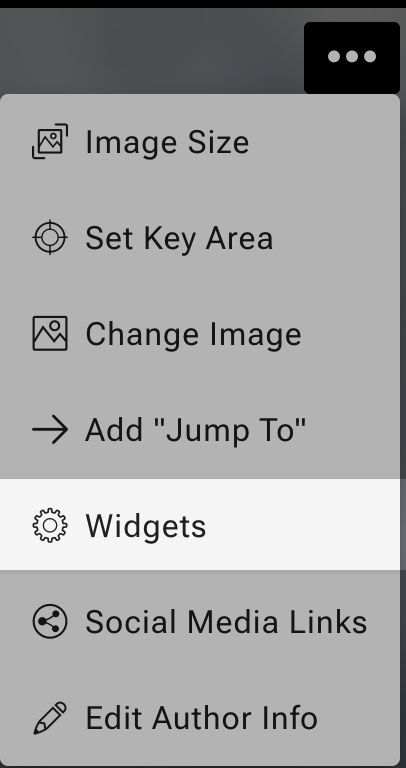
3. Select “widgets”.
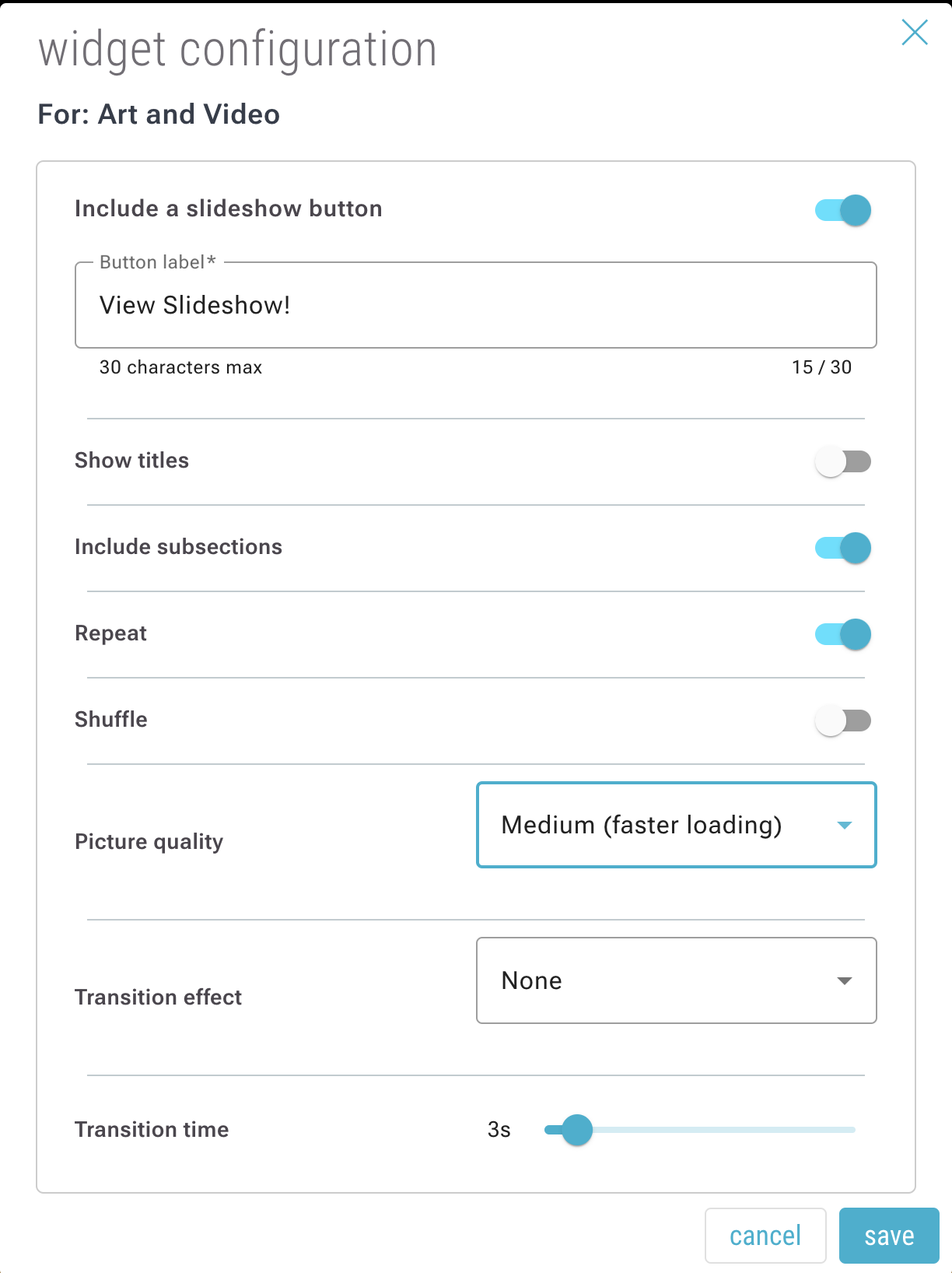
4. Toggle on “Include a slideshow button” and hit save.
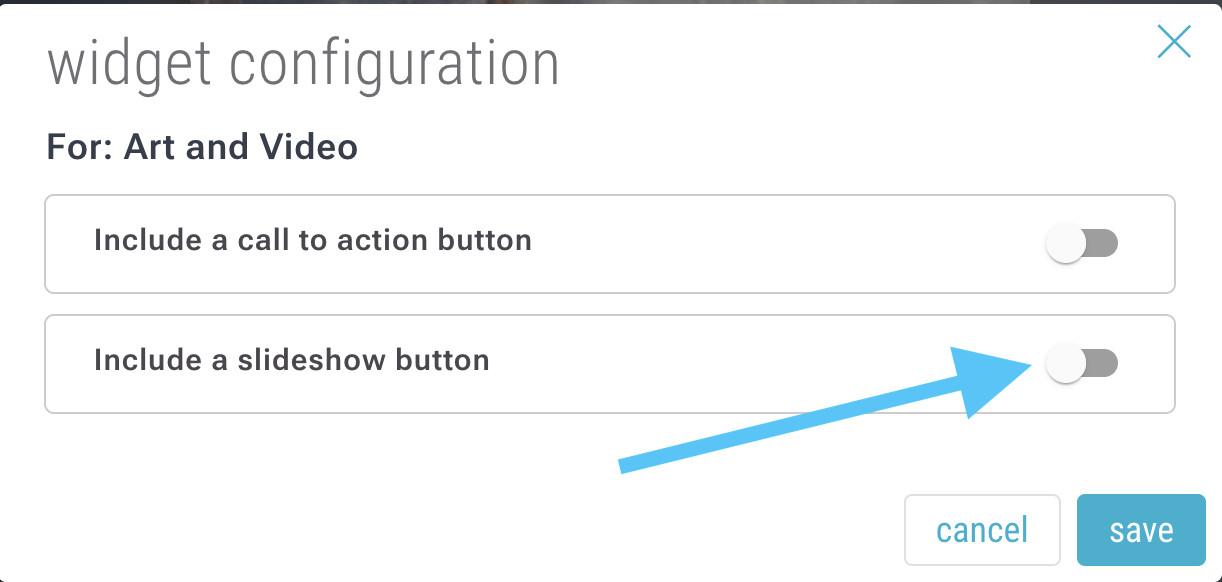
5. Add text for the button, as well as adjusting any other optional settings.
6. Hit “Done Editing”.

You will see a “slideshow” button, which launches a slideshow of your roll: