
1. Go to Google Analytics to log in to your account or create a new one.
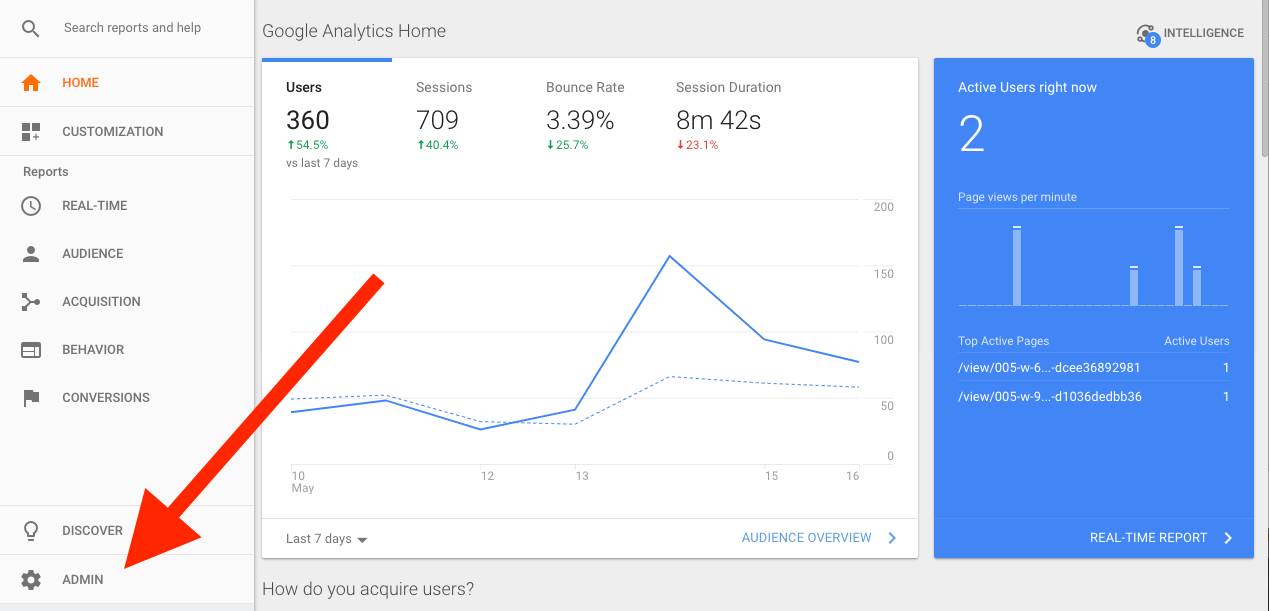
2. When logged in, you should see your Google Analytics main dashboard. From the dashboard, find the “Admin” area in the lower-left corner.
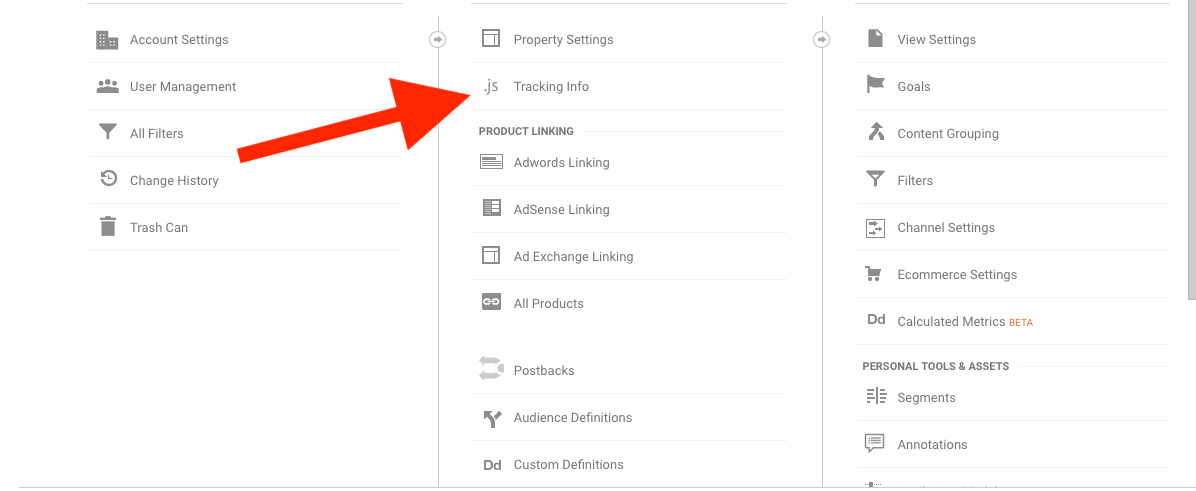
3. In the Admin options, click on “Tracking Info” in the middle column.
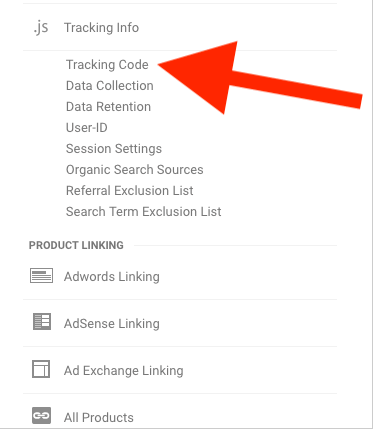
4. Click on “Tracking Code”.
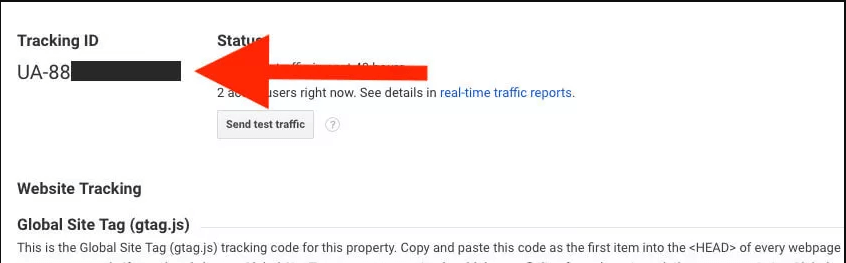
5. Your tracking ID will be shown in the upper-left corner. It will look like this: UA-123456789. Copy the ID and add it to your Bublup profile so you can track user activity on your rolls.